Videography/Post-Production
Short Film
These were both assignments I completed freshman year in a ‘Fundamentals of Videography’ class.
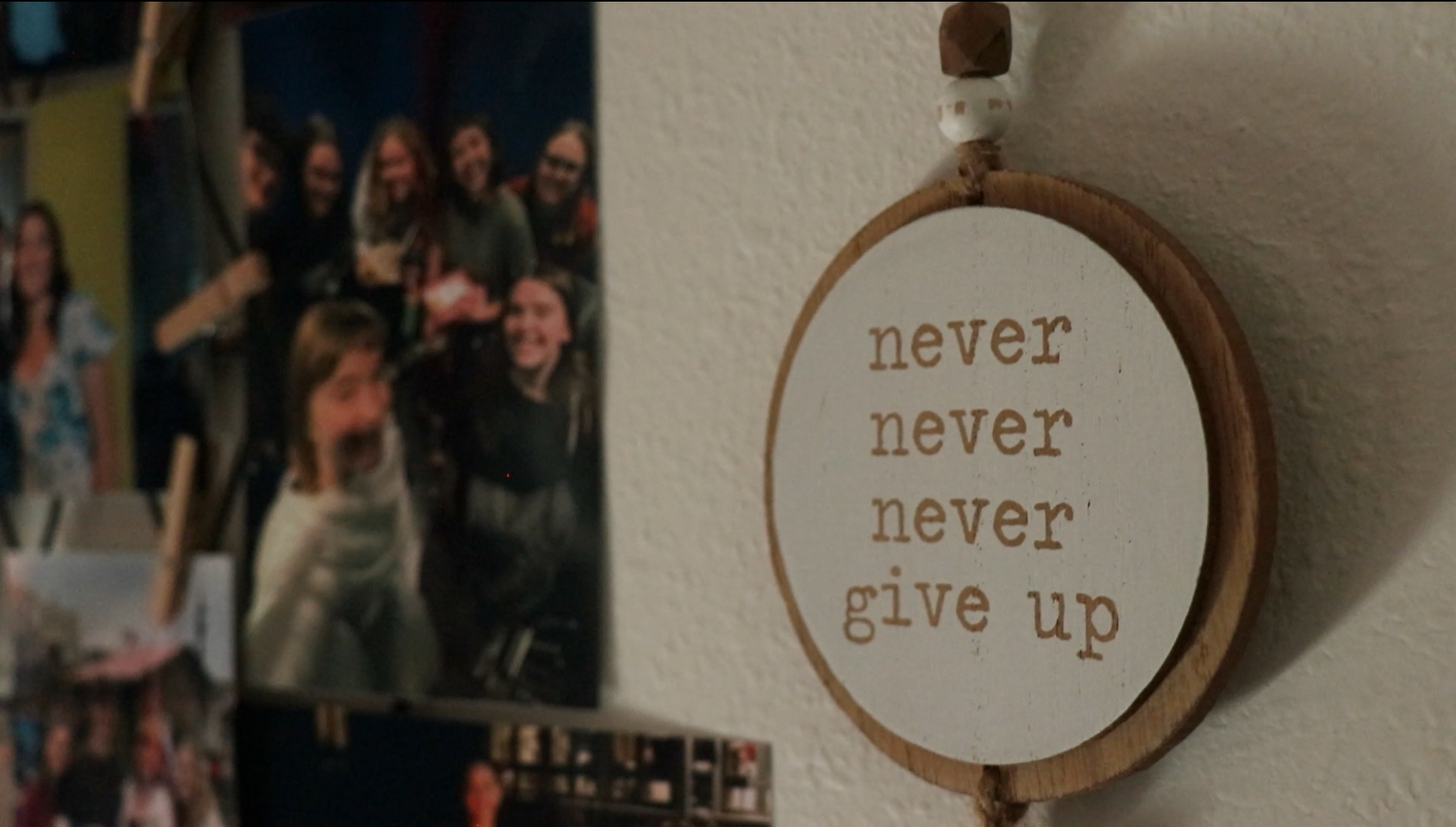
The City Symphony Project (all shot by me and edited in Adobe Premiere Pro): an assignment where I filmed and edited a short, nonnarrative film focused on a day-in-the-life at Butler University (where I attend). The instructions were that the film is intended to create a mood/argument rather than serving as a straightforward documentary about Butler. The way I interpreted it was basically “Butler through my eyes”. I wanted to feature the small moments of the campus that often go unnoticed as well as showing my friends who have helped me grow so much in just one year (this was created 2nd semester of Freshman year).
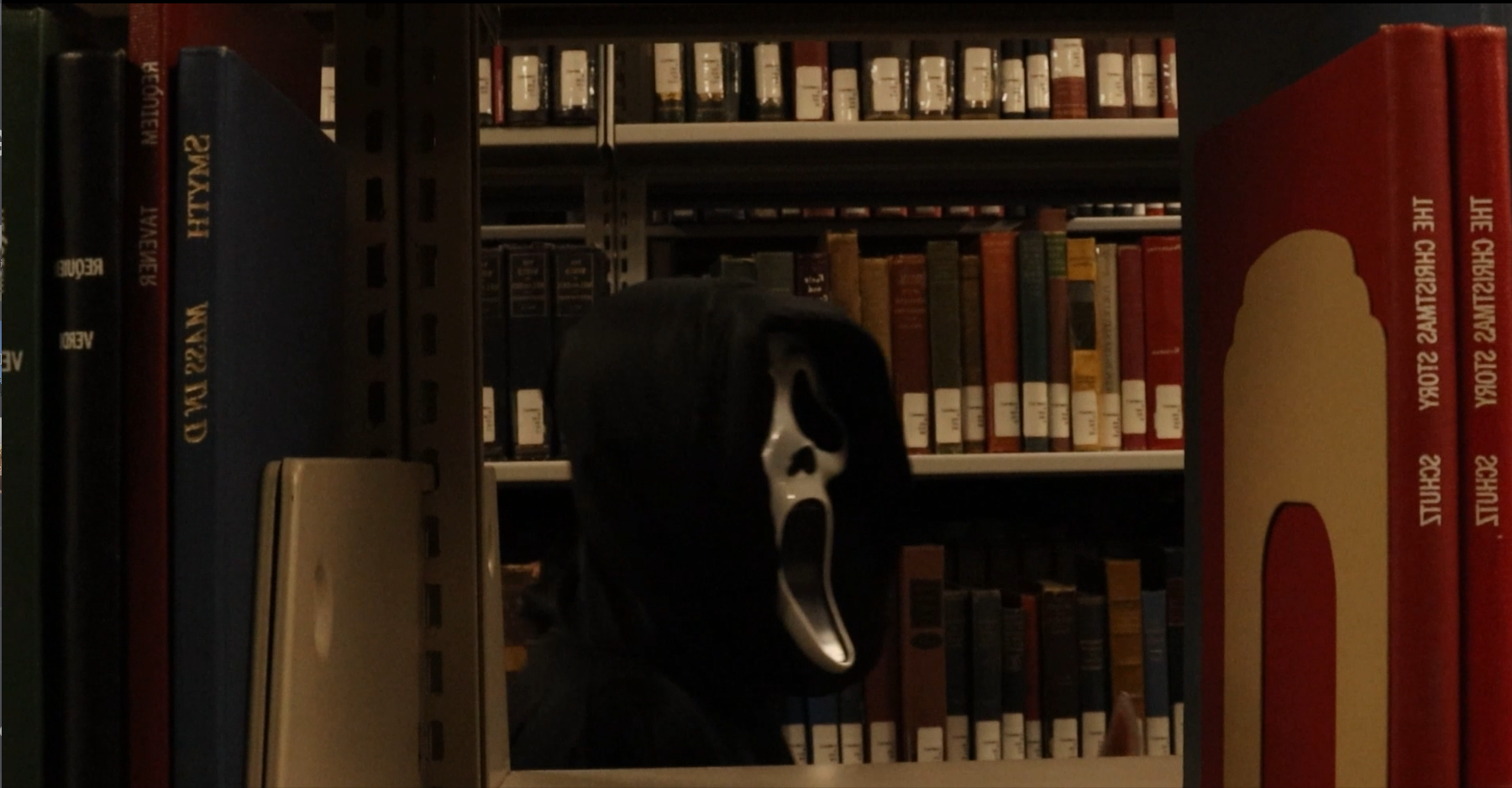
The Deadly Dabster (part shot by me and edited in Adobe Premiere Pro): an assignment where students had free rein to conceive, write, film, and edit a short film. I decided to do this project with two classmates, but we all contributed equally to the idea and the writing. Although, I edited this completely by myself. I also did a bit of shooting, but it was difficult as I am an actor in it. I did do a large amount directing for this as I feel like I had a good vision for what it should look like and, because of the fact that I was in it, I could tell how the chemistry of the cast was flowing and could make alterations based on what worked and what didn’t.
Post-Production Techniques
The first two were assignments I did in my Post-Production class sophomore year.
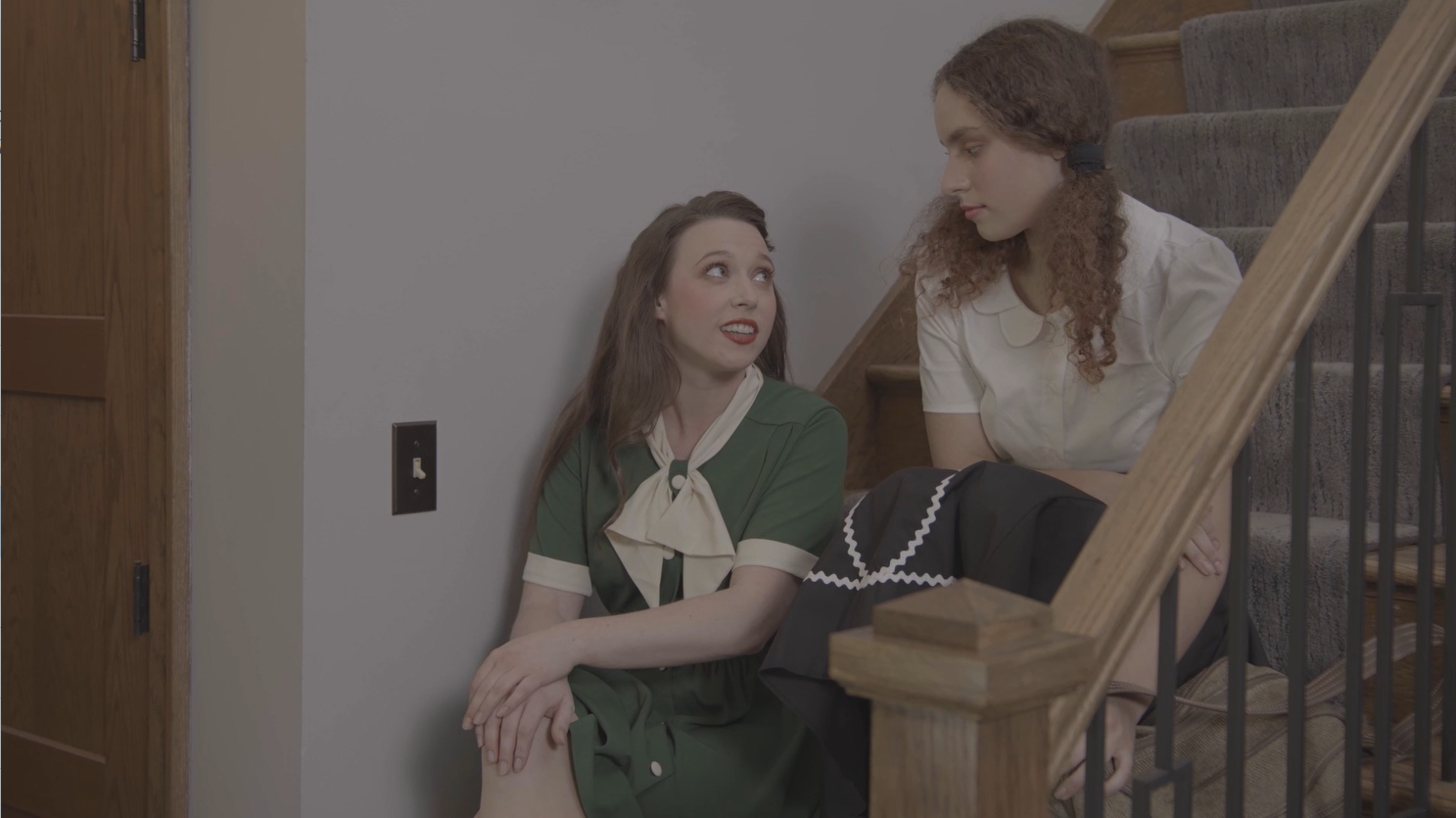
Continuity Editing practice (made in Adobe Premiere Pro): My professor gave us a folder of RAW footage files from 2 different cameras and many, many, unlabeled audio files– all from an unreleased short film he worked on called Murder Cabin. Our task was to edit the scene to make it as seamless and coherent as possible. It was a challenge because each take was done differently, so matching them together to be as seamless as possible was very tricky.
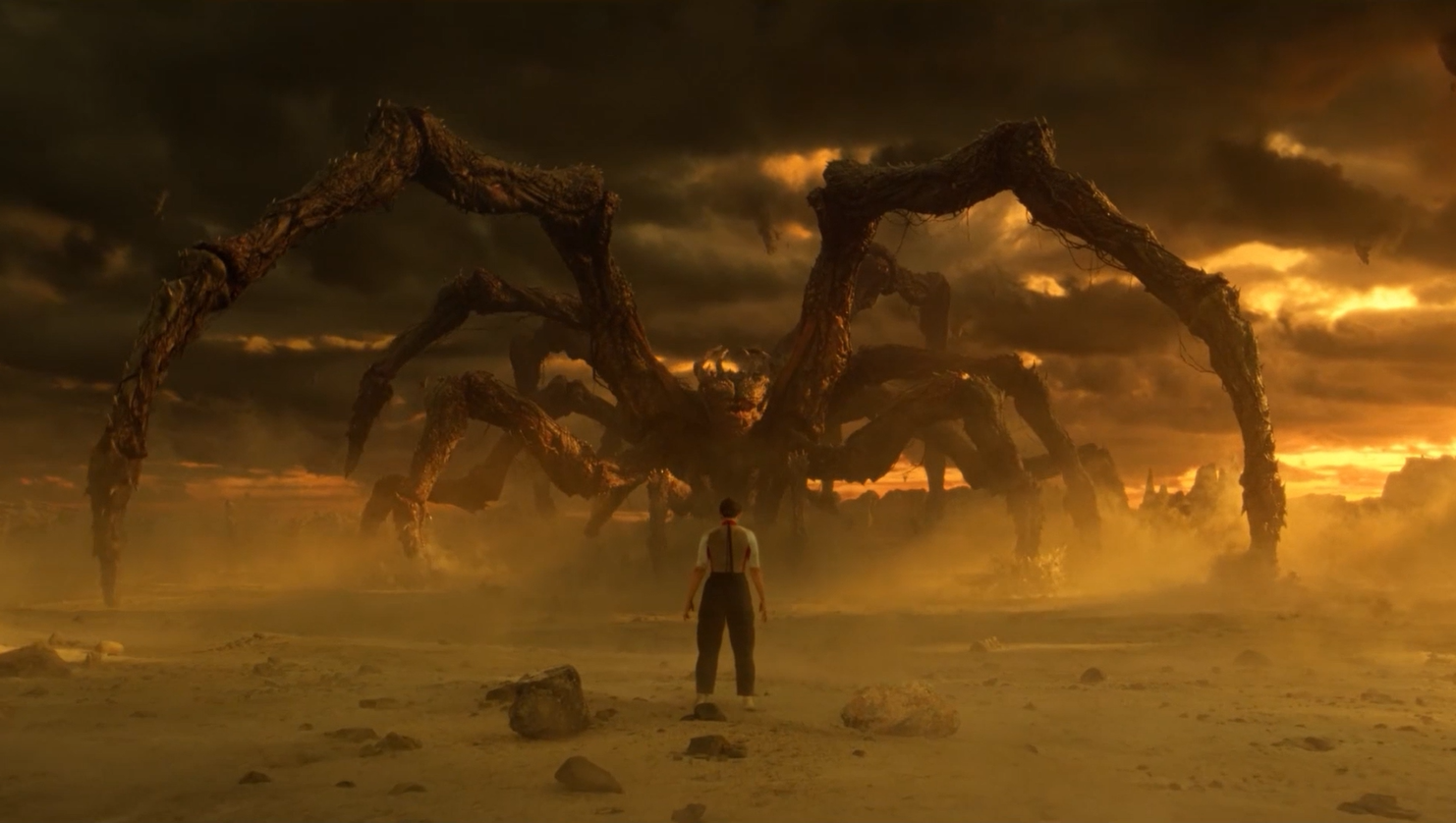
Audio Sub practice (made in Adobe After Effects): In case you hadn’t figured it out already, I love Stranger Things! This quick project was just for fun, but it was something I came up with after watching the season 5 finale. I removed background music from the original sequence and added the song “Holding Out For a Hero” by Bonnie Tyler. To make this work, I had to make some of the dialogue louder and the music quieter in certain moments. I also separated each shot and rearranged some, shortened some, and even made one a few seconds longer, to ensure that certain parts of the song hit at the moments I wanted it to. For example, I did this to make sure the “whooshing” sound hit at the same time Eleven used her powers to make Vecna fall to the ground. I think the use of music in an intentional way is extremely important in film + tv, so I wanted to try it out! I thought this would add some fun and lightheartedness to this sequence when, with its original music, has a more serious tone.
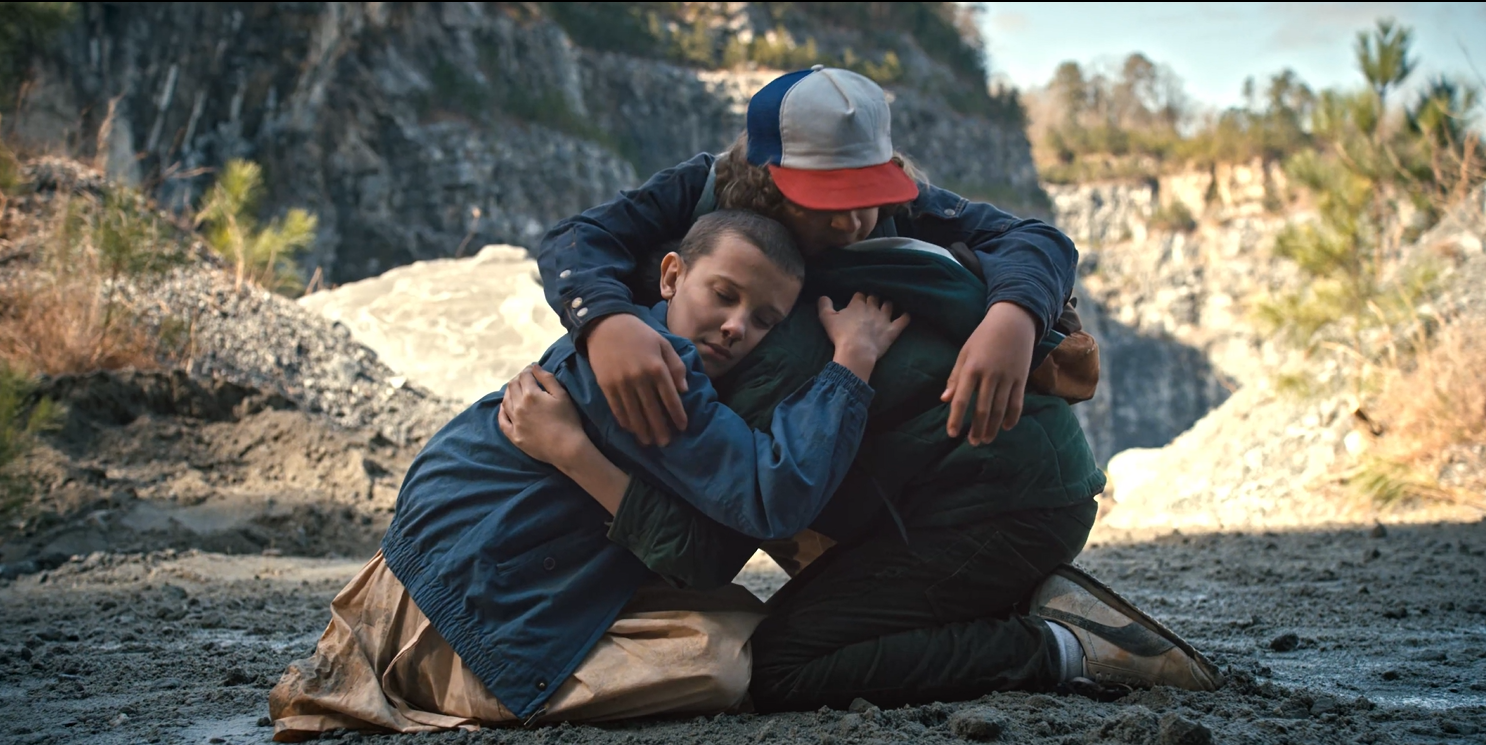
The Trailer Project (made in Adobe Premiere Pro): DISCLAIMER- I do not claim rights to or own the footage used in this trailer. The content was used strictly for educational purposes. | We had to pick a movie or season of a show and create a trailer for it from scratch. I picked season 1 of Stranger Things. I knew that I wanted to use the soundtrack from the season, so I listened to the score, picked some, and then used “Should I Stay or Should I Go” by The Clash as that’s also an important part of the show. I then rewatched the season and created a list with time stamps of every shot, sound bite, etc. that I wanted to include. I also had to source sound effects and created clever ways to transition between songs and themes. This was so much fun and I hope to make another trailer some time soon!